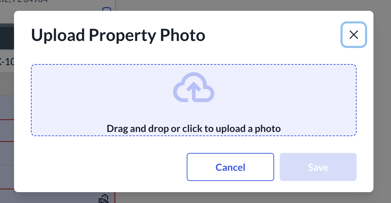
Sometimes our MLS provider can have issues loading the listing photos automatically in Toolkit. The appraiser can find a photo of the property online an upload it by clicking on the Edit button on the property photo:

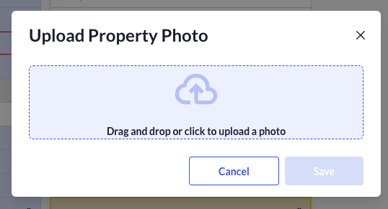
Then simply uploading a photo and clicking save:
If comp photos are appearing properly on the Comparables page, but not on the PDF report
If the comp’s property image shows up properly on the Comparables page:

But doesn’t show on the PDF report:
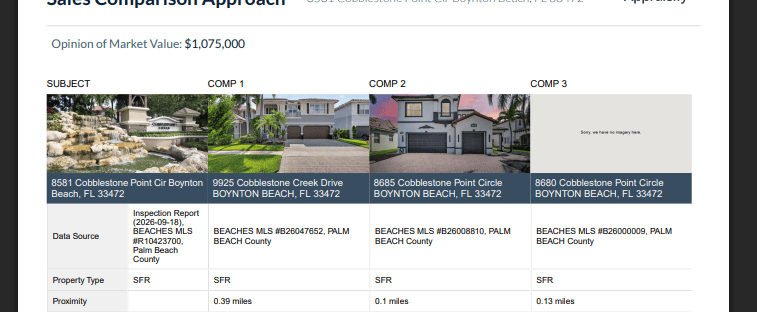
The appraiser can re-upload the comp’s picture manually and this should solve the issue.
- If the images show up as blank images in the PDF, the user might have uploaded an unsupported image file format.
- Currently, our PDFs only support JPG, JPEG, and PNG. Re-uploading in a supported format should solve the issue.