Filtering Your Order Dashboard List
To help you easily locate specific requests, the top navigation area of your Orders Dashboard offers several powerful filtering options:
Search Bar
Search for specific orders using addresses, names, emails, and more.

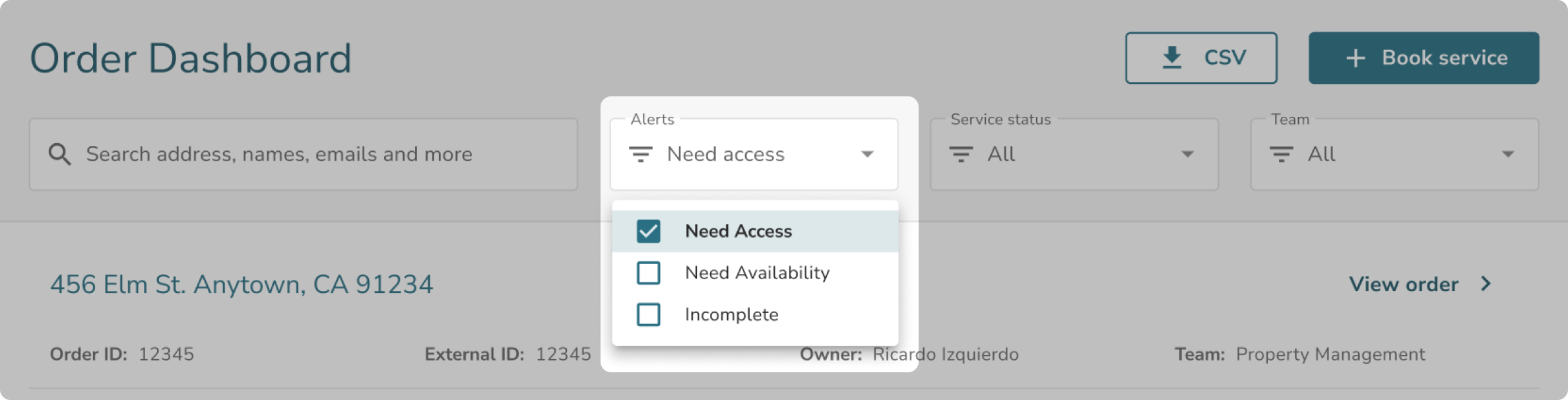
Alerts Filter
Filter your list to only show orders that require your attention, such as those tagged as Need Access, Need Availability, or Incomplete.
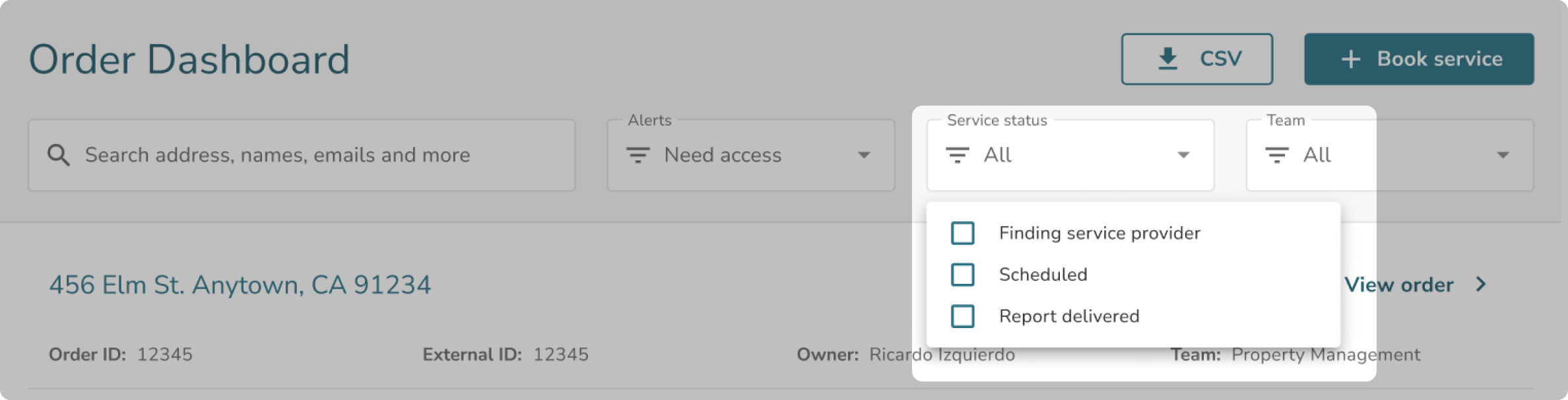
Service Status Filter
Select one or multiple specific service statuses (like "Finding a service provider" or "Report delivered") to narrow down your view.
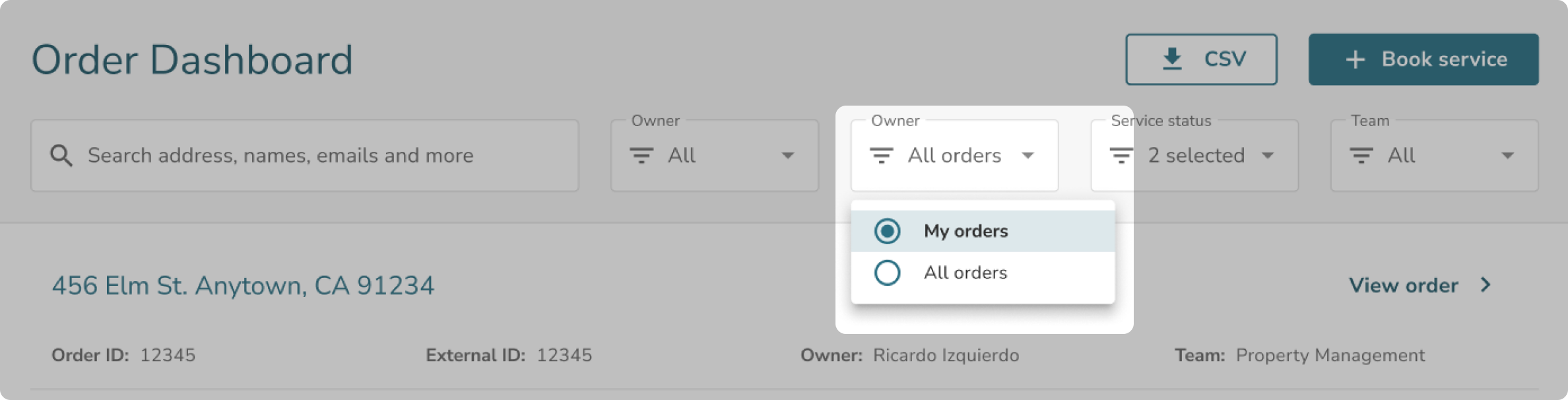
Owner Filter
Toggle between My Orders (orders where you are specifically listed as a stakeholder) and All Orders (all orders associated with your team).
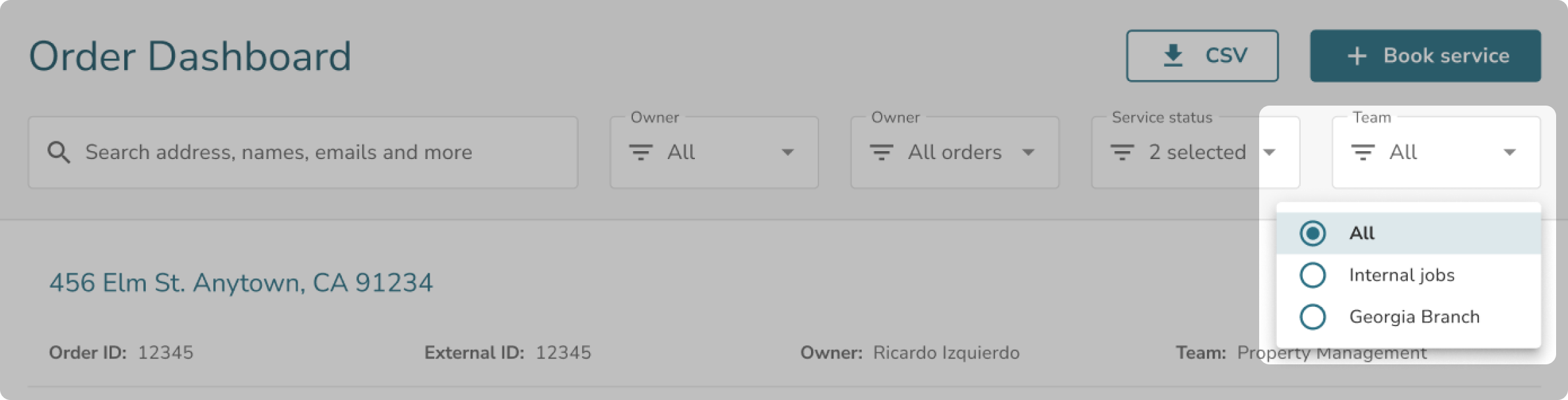
Team Filter
Filter your list by the team or organization your orders are associated with.