
Head to your Inspectify dashboard. Locate the property and open the job card. Here, you will see an option to upload your report, as shown below.
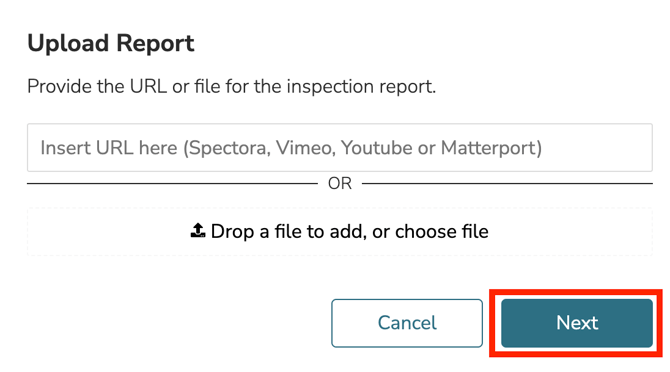
- After you click "Upload," a box will appear that lets you either enter a URL or upload a file from your device.
Upload all necessary property reports (e.g., sewer, four-point inspection, etc.), then click the "Next" button.
After each document is uploaded, you should receive the confirmation below indicating the upload was successful.
