How to Update Property Information on an Order
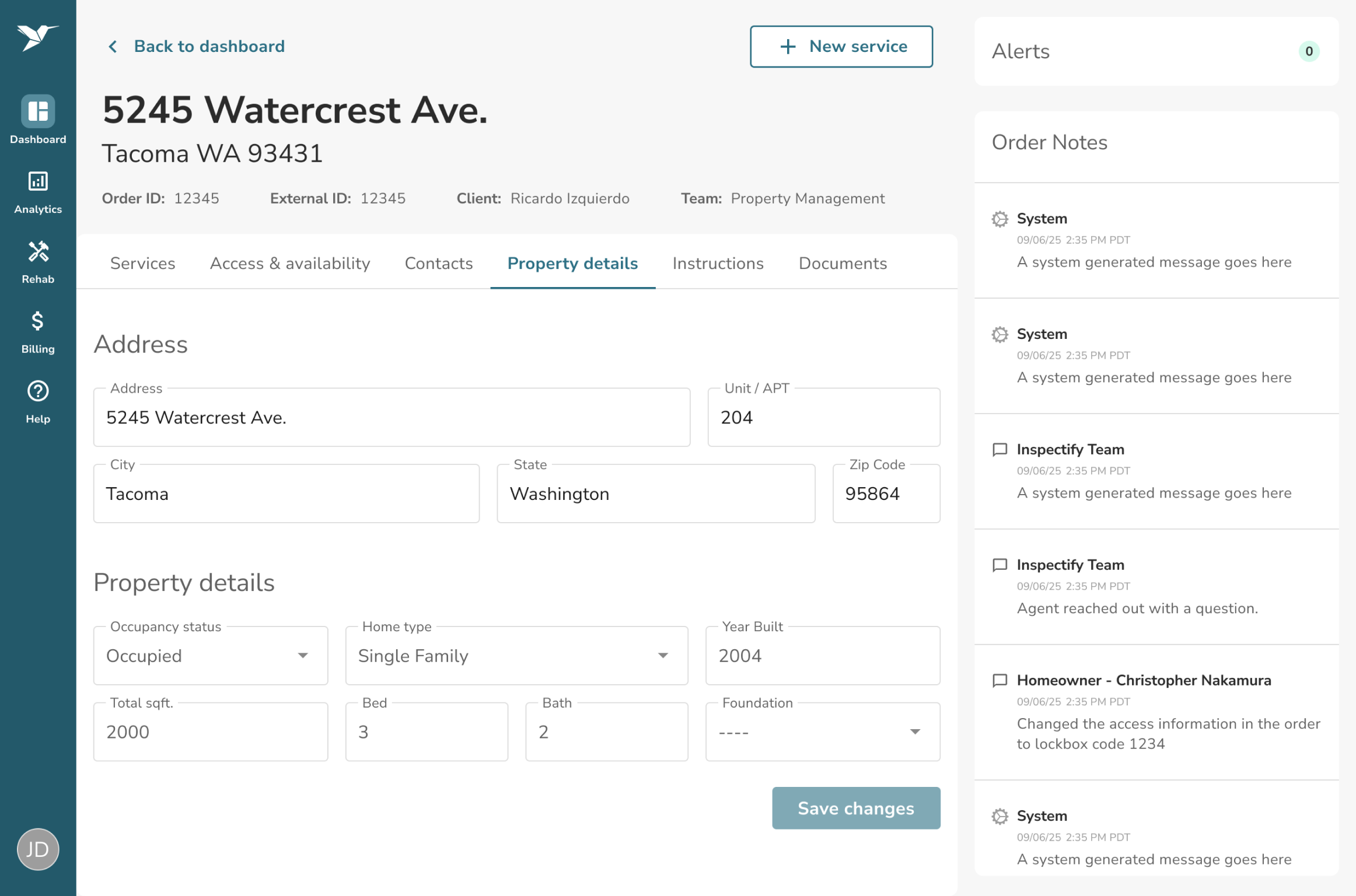
You can review and edit property characteristics by navigating to the Property details tab on your Order Details page. In the Property details section, you can edit the fields and click Save changes to update the order.
Please note: The property's Address section is only editable if there are no scheduled services currently on the order. Once a service is scheduled, the address is locked.