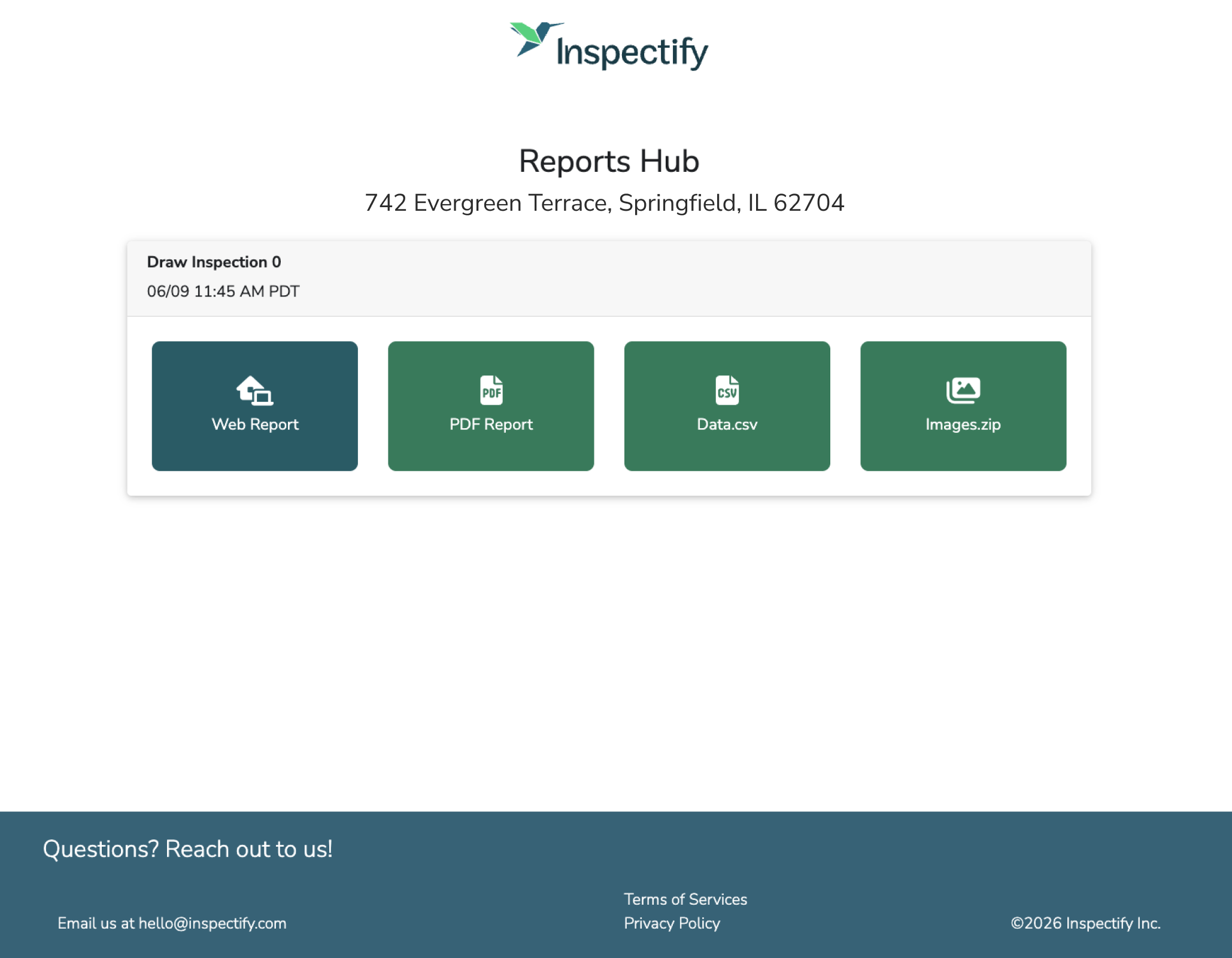
Where to View Completed Reports
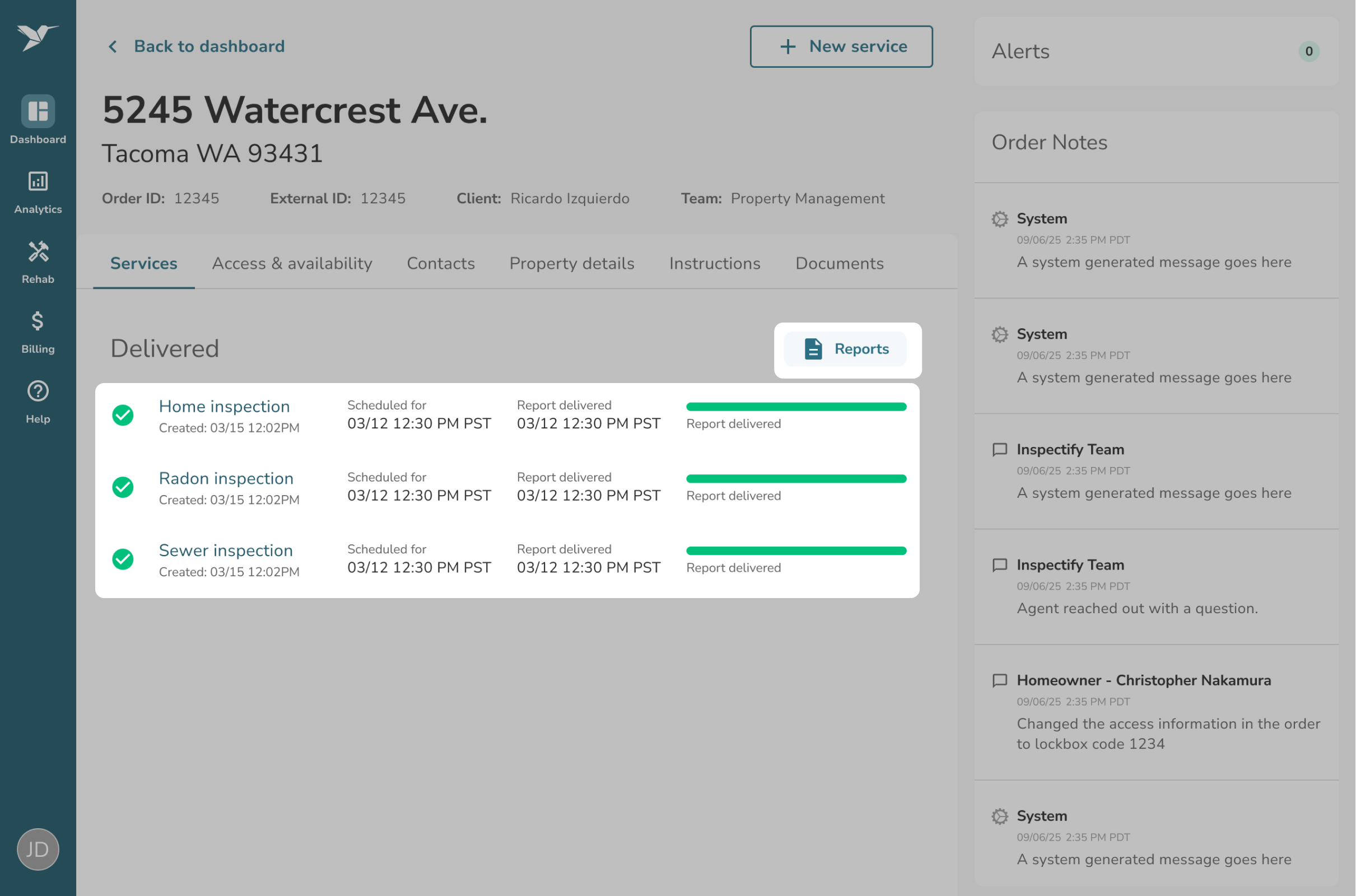
Once a service has been completed, you can access your finalized inspection or appraisal reports by following these steps:
- Navigate to your Order Details page and click the Services tab.
- Scroll down to the Delivered group, where you will see your completed services marked as "Report delivered".
- Simply click the Reports button next to that individual service to navigate to your Reports Hub page.